Get the app

RECOMMENDED HARDWARE

Connect your car
to MechaOBD.

An OBD-II adapter plugs into your car, so that MechaOBD can communicate with your car over Bluetooth.

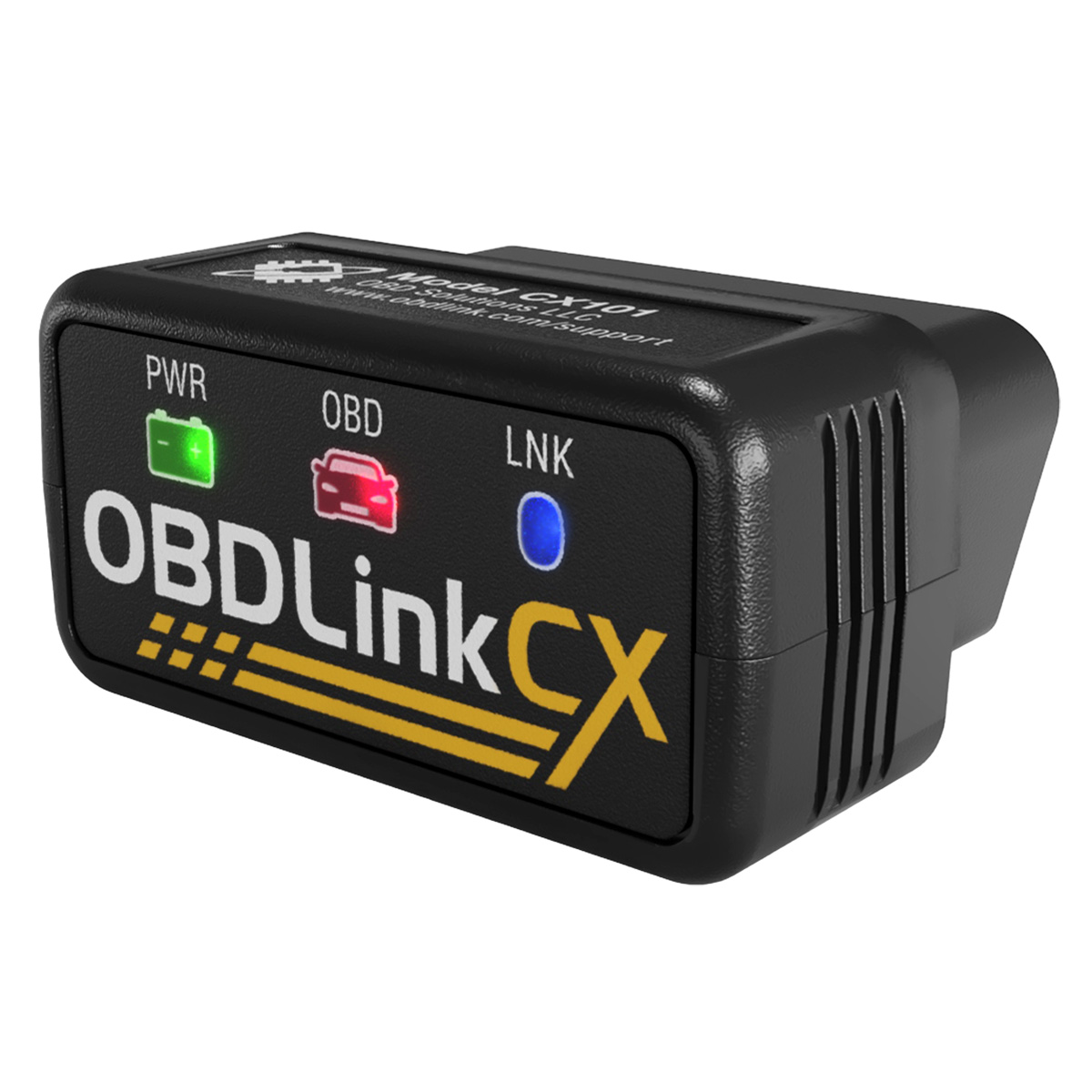
Two adapters. Both tested with MechaOBD.

Choose the adapter that fits how you use your car.

Check compatibility

As an Amazon Associate, Starlight Industries LLC earns from qualifying purchases.

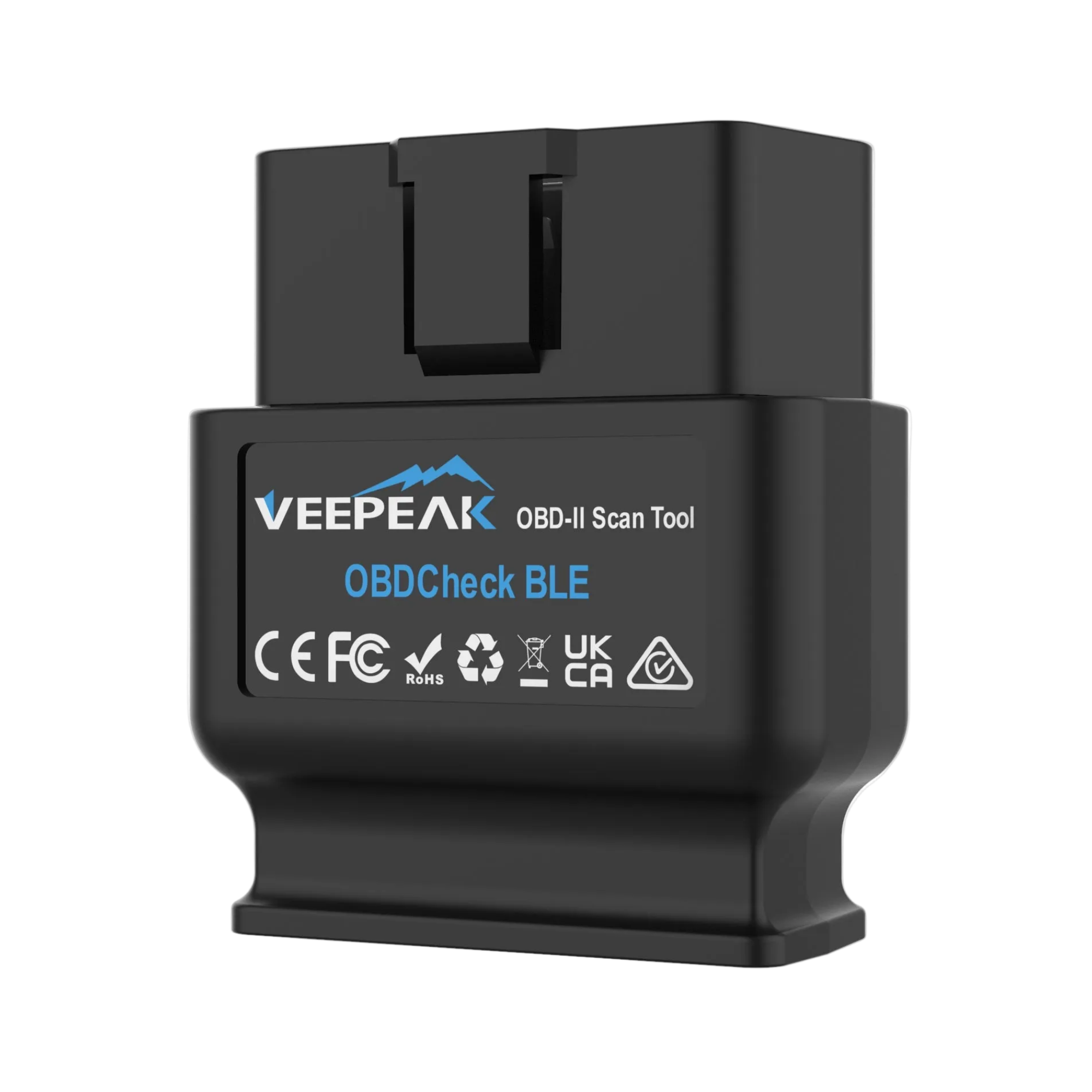
Best ValueVeepeak

OBDCheck BLE

For everyday diagnostics.

Veepeak OBDCheck BLE OBD-II adapter, front view

Full MechaOBD functionality at half the price. A slight compromise in data transfer, best for infrequent users.

View on Amazon

Current price & delivery on Amazon

Bluetooth Low Energy
Connect wirelessly to your iPhone or iPad.
All five standard OBD-II protocols
Includes J1850 for some older vehicles.
Carrying case included
Keep your adapter protected between checks.

Both connect to MechaOBD on iPhone and iPad. Available readings depend on your vehicle.

BEFORE YOU BUY

Know before
you order.

Already have a Bluetooth OBD-II adapter? You may be good to go.

Check your setup
Will it work with my car?

Your car needs a compatible OBD-II diagnostic system. The OBDLink CX supports CAN, ISO 9141 and ISO 14230, but not J1850, which some older vehicles use. The Veepeak supports all five standard OBD-II protocols, including J1850.

Vehicle coverage and available readings vary. Check compatibility before ordering.

Can I leave it plugged in?

The OBDLink CX is designed to stay plugged into your car. Its BatterySaver mode draws less than 1 mA while idle to minimize battery drain. For the Veepeak, the manufacturer recommends unplugging it if your car will sit for more than a week. Follow the adapter’s instructions and consider your car battery’s condition.

Does the adapter include a Diagnostic Report?

The adapter supplies your car’s data. MechaOBD is free to download. Diagnostic Reports are optional in-app purchases, sold separately from the hardware.

WHEN YOUR ADAPTER ARRIVES

Plug in. Open MechaOBD. Connect.

  1. Plug into your car.

    The OBD-II port is usually under the dashboard on the driver’s side.

  2. Connect in MechaOBD.

    Turn on Bluetooth, open the app and select your adapter.

  3. Start a Guided Health Check.

    Follow the app’s prompts to read fault codes and explore your car’s data.
Park safely before scanning. Run the engine only outdoors. Using the CX? Follow the complete OBDLink CX and iPhone setup guide.

Explore Demo Mode while your adapter is on its way.

Get MechaOBD